Guidelines for initial use of equipment
Charge the pipette for at least 5 minutes before using it for the first time. The pipette can be charged using the charging power supply provided with the pipette, a mobile power supply, or by connecting to a computer. If you use a charging power source, @ Pette Mini can perform operations during charging.
1. Power On
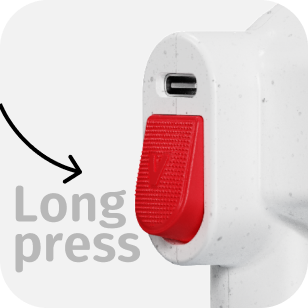
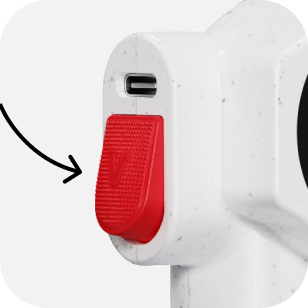
Press and hold the trigger button for 3 seconds; a beep followed by a constant screen light indicates that the device is powered on.
2. Activate device
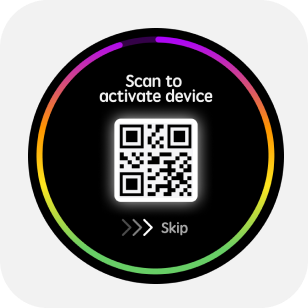
After the power-on animation, a QR code will appear. Scan the code with App (Android/iOS) or WeChat to activate the device and calibrate the time.
3. Mode menu
Tap the "Home" button on the Home screen to enter the "mode" menu.
The mode menu includes pipetting, Dispensing, reverse pipetting,wireless connection and settings. Swipe the screen to switch to mode, tap the icon in the center of the screen to enter mode.
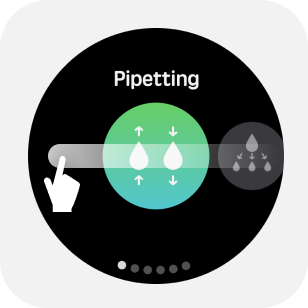
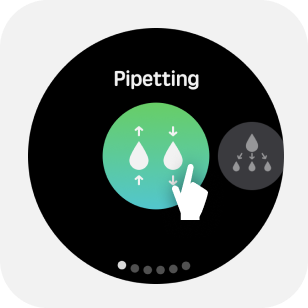
4. Parameter adjustment
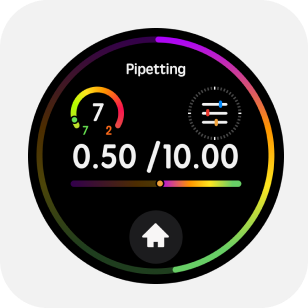
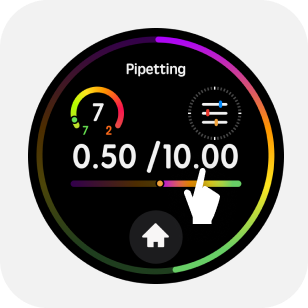
4.1 Tap the upper half of the main screen to enter the parameter menu.
When the device does not inhale liquid, you can click on the upper part of the main screen to enter the parameter menu. Take the volume setting as an example, slide the edge of the screen to adjust the value size.
When setting specific parameters, you can click any number of digits to adjust individually.
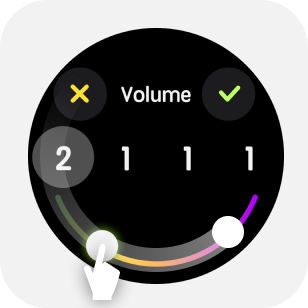
4.2 AI voice adjustment
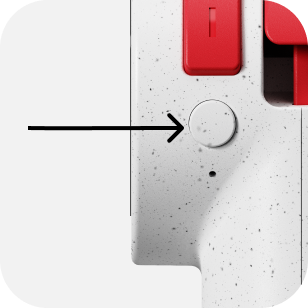
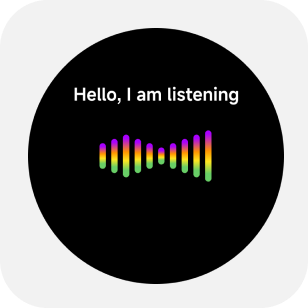
Long press the [AI Button] to start speaking to the pipette.Release button after finish speaking.
You can try saying: “Set speed to 8” “Range 299.1 (two hundred and ninety-nine point one)”
The voice function is only supported in the networked state, as detailed in the Networking Pairing Guide later in the manual.
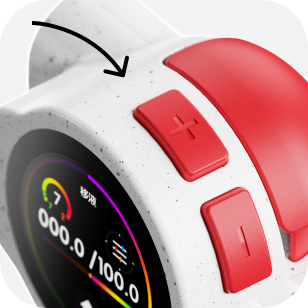
4.3 Long press the ‘+’ or ‘-’ button to change volume.
Long press to bring up the quick volume adjustment interface and quickly execute number scrolling.
4.4 Volume Quick Operation
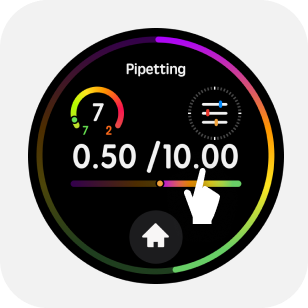
Long press the upper part of the main screen to enter the quick volume adjustment.
5. General Operation
5.1 Install the Tip
Select a tip that matches the pipette's range, gently press, and insert the matching tip onto the nozzle.

5.2 Aspirate/Dispense Liquid
Press the trigger gently to perform the aspiration/dispensing operation.
5.3 Quick Blow-out Under Dispensing Mode
Under dispensing mode, user can double click trigger button to blow-out all remaining liquid in tip.
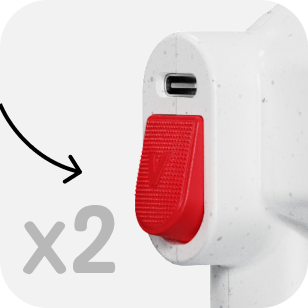
5.4 Tip-Ejection Button
While emptying the liquid, gently press the eject button to remove the tip.
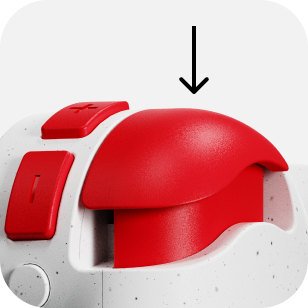
5.5 Liquid Blow-Out
After completing the aspiration and dispensing cycle, double-click the trigger to blow out liquid.
5.6 Mixing
Long press trigger button to perform liquid mixing.