"Dispensing" Mode
Dispensing mode allow user to perform multiple equal-volume liquid dispensing with a single aspiration.
1. How to Use Dispensing Mode
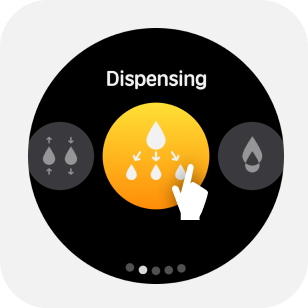
1.1 Enter equal volume liquid separation mode
Select "Dispensing" mode under the home icon.
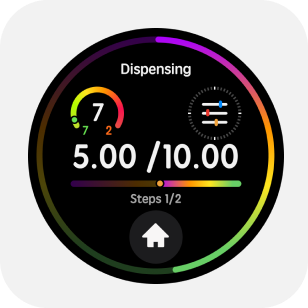
1.2 Parameter adjustment
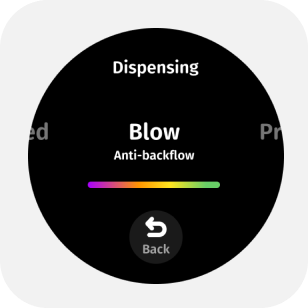
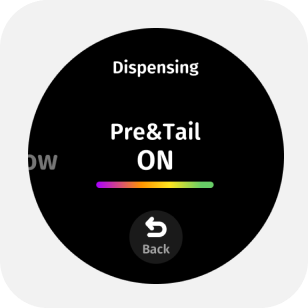
When the device is not inhaling liquid, you can Tap anywhere on the main screen to enter the parameter menu.By swiping or tapping the screen, you can adjust in the parameter menu:
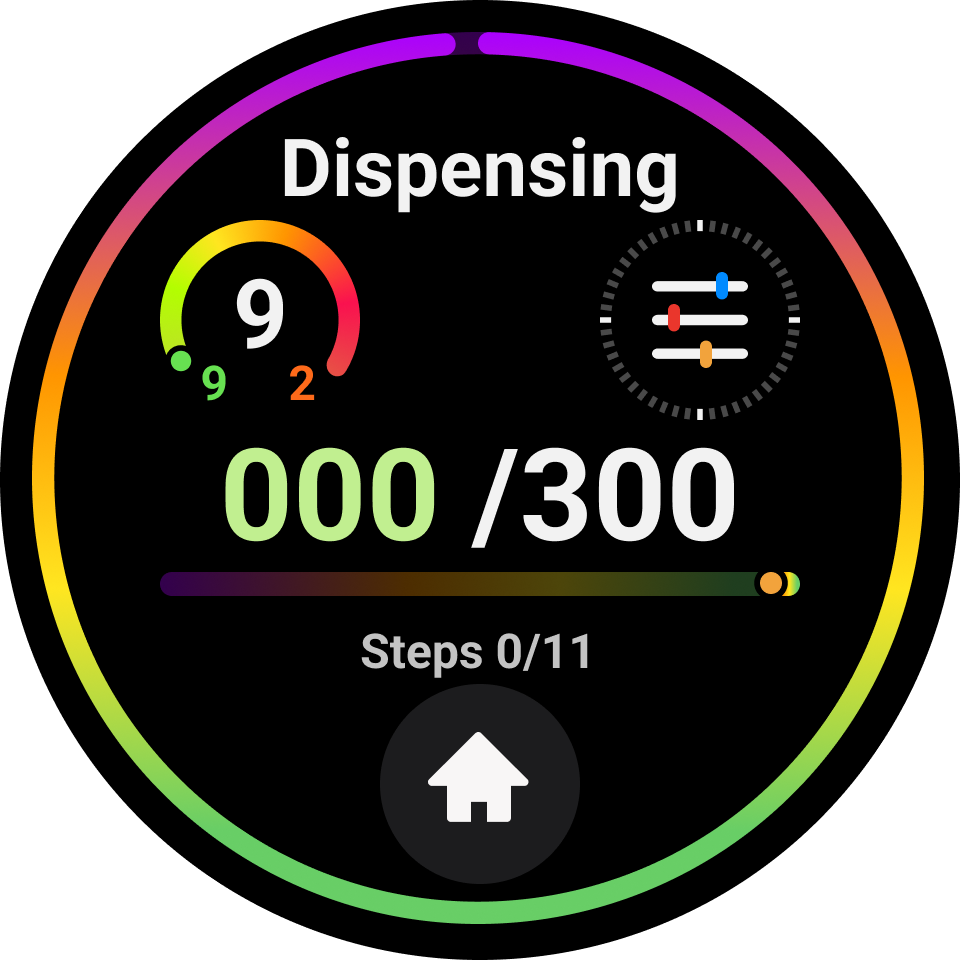

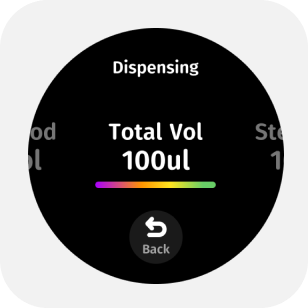

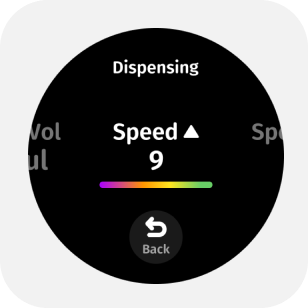
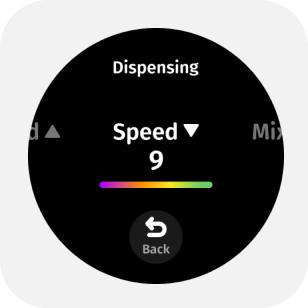
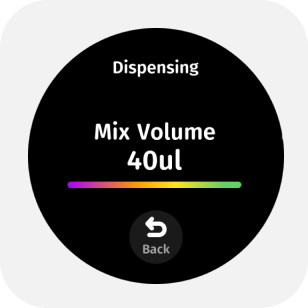

- Total volume or aliquot volume
- Number of aliquots
- Aspirate and dispense speeds
- Mixing volume
- Mixing speed
- Blow-out option
- Pre-dispense & tail-liquid on/off
In multiplication logic, you only need to set the dispensing volume and the number of dispenses; in division logic, you only need to set the total volume and the number of dispenses.
1.3 Start Dispensing
After immersing the tip in the liquid, lightly press the trigger to start aspiration;
Follow the on-screen prompts, pressing the trigger in sequence for pre-dispensing - dispensing - emptying the tail liquid.
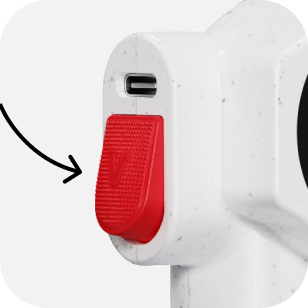
You can disable pre-dispensing and tail liquid in the parameter settings. This operation may affect accuracy, so choose according to your actual needs.
1.4 Quickly Empty Liquid
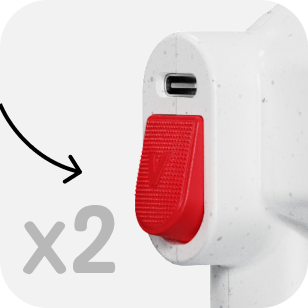
Under dispensing mode, user can double click trigger button to empty all liquid.
1.5 Tip Ejection
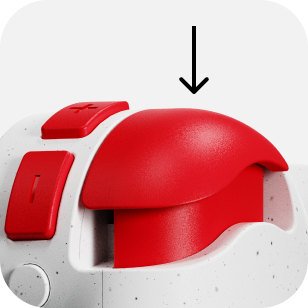
Press down the tip ejection button to remove the tip.
1.6 Blow liquid
After completing the aspiration-dispensing cycle, you can double-click the trigger to blow liquid.
1.7 Mixing
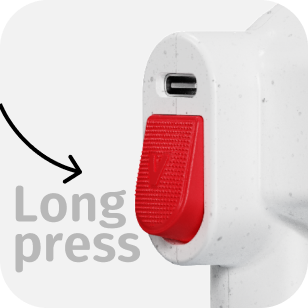
When there is no liquid in the tip, press and hold the trigger button to mix.