"Reverse" Mode
Reverse mode is suitable for viscous liquids, protein-rich solutions, and volatile liquids. In this mode, the system aspirates more than the set volume; the first dispense delivers the set volume, and the second dispense expels the excess as waste.
1. How to Use Reverse Mode
1.1 Enter Reverse Mode
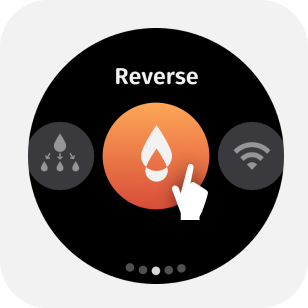
Select [Reverse] in the mode menu to enter the reverse pipetting mode.
1.2 Parameter adjustment
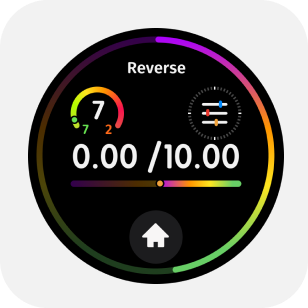
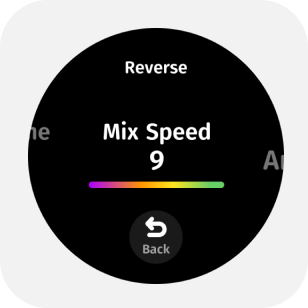
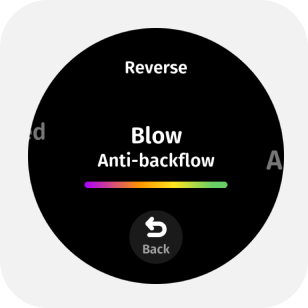
Click the upper part of the main page screen to enter the parameter menu. By swiping or tapping the screen, you can adjust in the parameter menu:
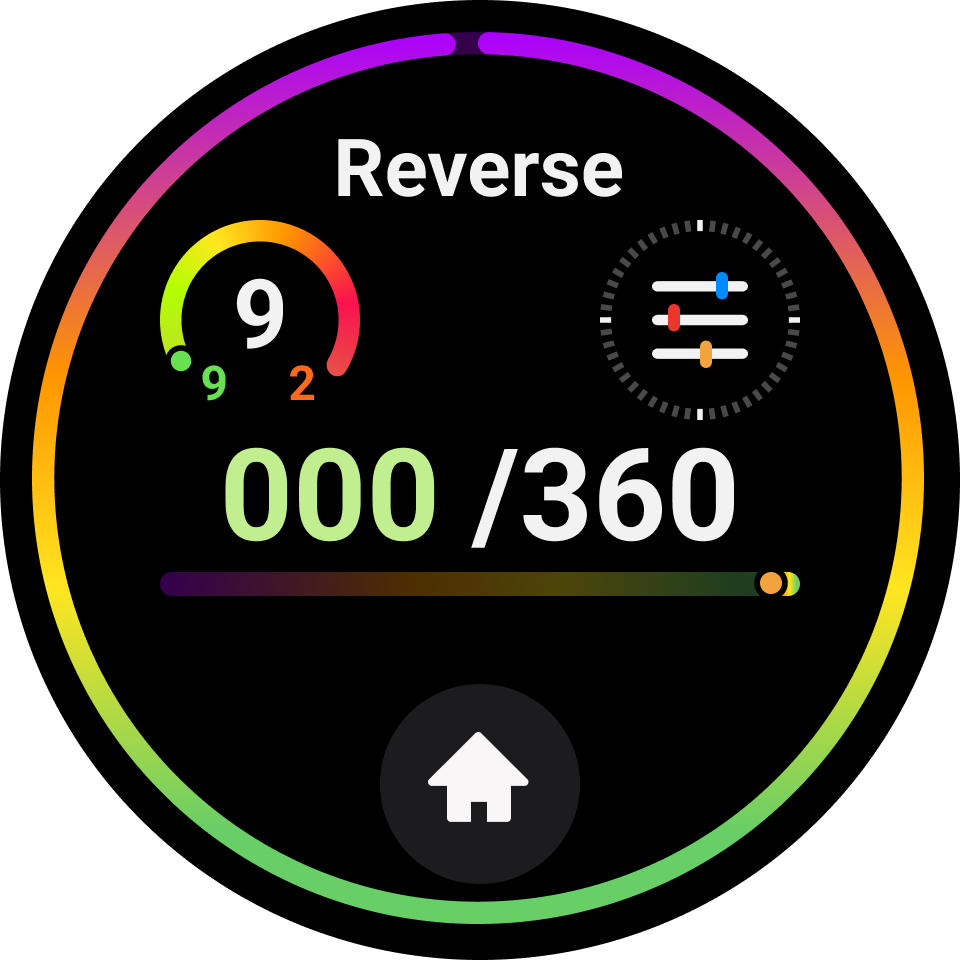
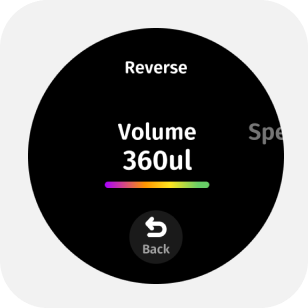
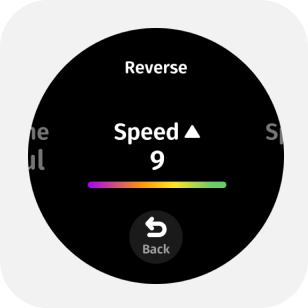
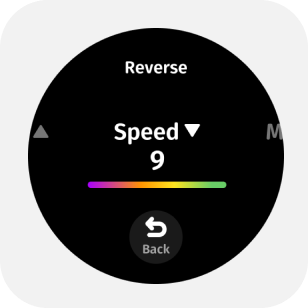
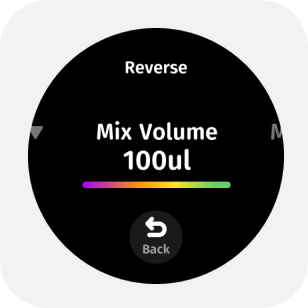
- Aspirate/dispense volume
- Aspirate and dispense speed
- Mixing volume
- Mixing speed
- Blow-out option
- Repeat aspiration on/off
1.3 Start Pipetting
After immersing the tip in the liquid, lightly press the trigger to start aspiration.
Press the trigger in sequence to perform [dispensing - emptying the tip].
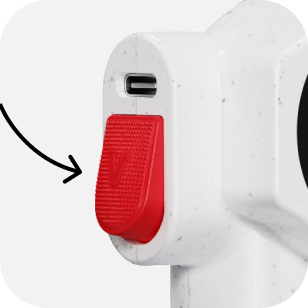
To ensure each dispensing is more accurate, the intelligent pipette applies the reverse aspiration principle, where the device will aspirate an additional 10% of the set dispensing volume based on the already set dispensing volume. Therefore, after expelling a fixed volume, further expulsion of tail liquid is needed to truly empty it.
1.4 Blow Liquid
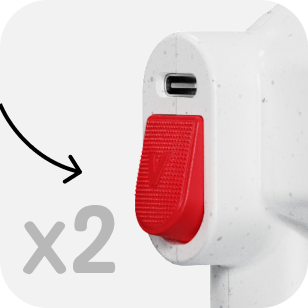
After completing the aspiration-dispensing cycle, double-click the trigger to blow liquid.
1.5 Mixing
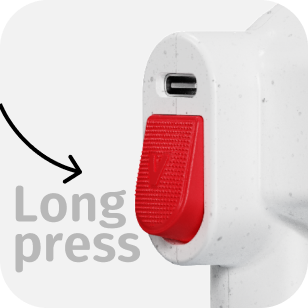
When there is no liquid in the tip, press and hold the trigger button to mix.
1.6 Tip Ejection
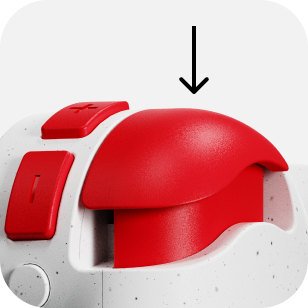
Press down the tip ejection button to remove the tip.