Automatic Mixing
1. How to Use Automatic Mixing Mode
1.1 Enter Automatic Mixing Mode
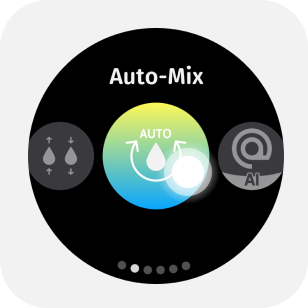
Select Automatic Mixing from the mode menu to enter automatic mixing mode.

1.2 Parameter Adjustment
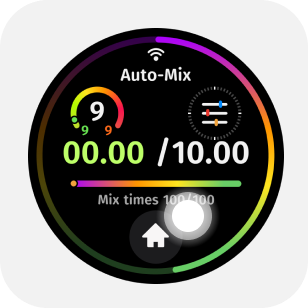
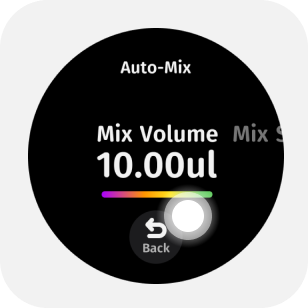
Tap the upper half of the main screen to enter the parameter menu.By swiping or tapping the screen, you can adjust in the parameter menu: mixing volume, number of mixes, and mixing speed.
1.3 Start Liquid Transfer
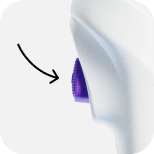
Press the trigger button lightly to start automatic mixing.
1.4 Pause Mixing
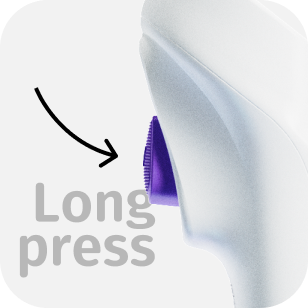
Long press the trigger button to pause mixing.
1.5 One-Click End Mixing
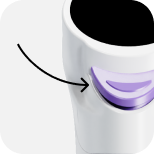
Click the eject button to end automatic mixing with one click.
tip
This operation allows for more freedom during liquid dispensing.
1.6 Eject Tip
While emptying the liquid, lightly press the eject button to automatically remove the tip.
1.7 Blow Liquid
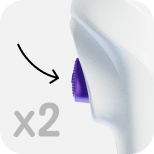
After completing the liquid transfer cycle, double-click the trigger button to blow liquid.