Charge
1. How to charge the device
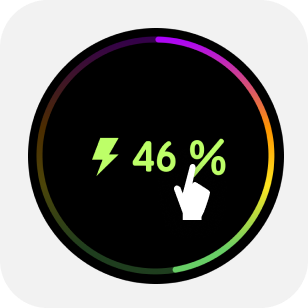
The @Pette Mini smart pipette can be connected to a charger at any time. It can be charged via a power adapter, a power bank, or by connecting to a computer through the Type-C port. During charging, the display shows a charging screen with the battery percentage. A 15-minute charge supports several hours of pipetting; a full charging cycle takes about 40 minutes and provides over 3,000 aspirate/dispense cycles (the count is lower for high-volume models).
1.1 Dispensing While Charging
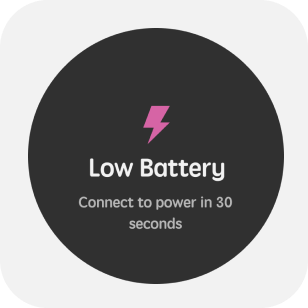
The @Pette Mini can perform operations during charging; while in charging mode, lightly touch the charging interface to return to the previous page before charging. If you need to handle liquids while charging, we recommend using the original charging device to power the pipette.The @Pette Mini can perform operations during charging; while in charging mode, lightly touch the charging interface to return to the previous page before charging. If you need to handle liquids while charging, we recommend using the original charging device to power the pipette.
1.2 Memory System, Power and Management Settings
All user input changes to the @Pette Mini settings and service mode data are stored in flash memory. Therefore, these contents will be preserved in case of battery failure or removal.