"Dilution" Mode
1. How to Use Dilution Mode
1.1 Enter Dilution Mode
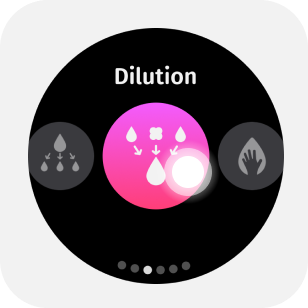
Select Dilution from the mode menu to enter Dilution Mode.
1.2 Parameter Adjustment
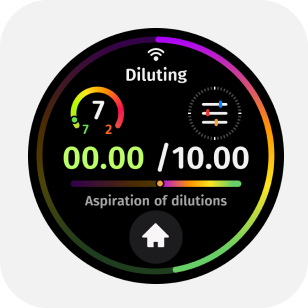
Tap the upper half of the main screen to enter the parameter menu.By swiping or tapping the screen, you can adjust in the parameter menu: diluent volume, air volume, sample volume, aspirate and dispense speeds, mixing volume, mixing speed, and blow-out option.
1.3 Start Liquid Transfer
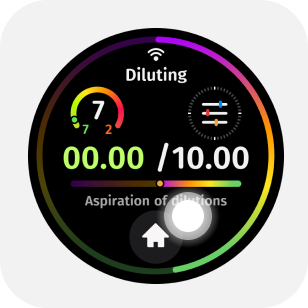
Press the trigger button lightly to begin the aspiration/discharge operation.
1.4 One-Button Liquid Discharge
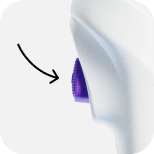
After performing the aspiration operation, hold the discharge button to expel the liquid with one button.
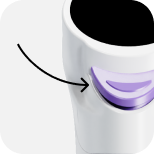
This operation method allows for more freedom during liquid transfer.
1.5 Blow Out Liquid
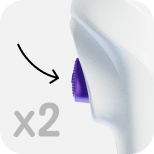
After completing the aspiration and discharge cycle, double-tap the trigger button to blow out liquid.
1.6 Mixing
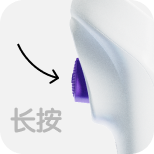
If there is no liquid in the tip, press and hold the trigger button to mix.
1.7 Eject the Tip
While discharging liquid, lightly press the discharge button for automatic tip ejection.