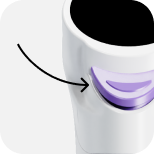
Pipetting Mode
1. How to Use "Pipetting" Mode
The "Pipetting" mode can aspirate and dispense liquid at a variable volume.
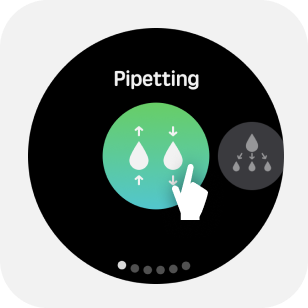
1.1 Enter Pipetting Mode
Select Pipetting from the mode menu to enter Pipetting mode.
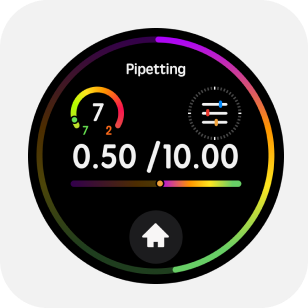
1.2 Parameter Adjustment
Tap the upper half of the main screen to enter the parameter menu. By swiping or tapping the screen, you can adjust in the parameter menu: aspirate/dispense volume, aspirate and dispense speeds, mixing volume, mixing speed, and blow-out option.
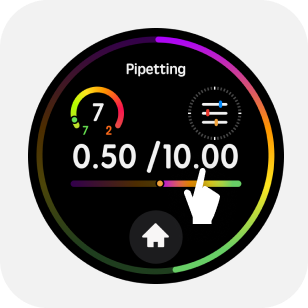

Once settings are complete, tap the "✔" on the screen or "Back" to confirm or return to the main page, or gently press the trigger button to confirm.
1.3 Start Pipetting
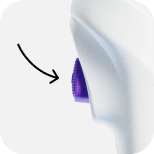
Press the trigger button lightly to start the aspiration/dispensing operation.
1.4 Blow-out
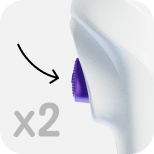
After completing the aspiration/dispensing cycle, double-tap the trigger button to blow out.
1.5 Mixing
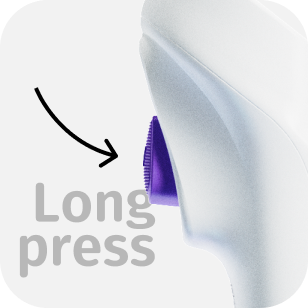
If there is no liquid in the tip, Long press trigger button to perform liquid mixing.
1.6 Tip Ejection
Press down the tip ejection button to remove the tip.